Poker tournament software
Poker Night HQ
The clock, the seating chart and the prize pool on the big screen. Run it all from your phone.
For home games, leagues and charity poker nights. Renews yearly, cancel any time.
What it does
Everything the tournament director juggles, on one screen.
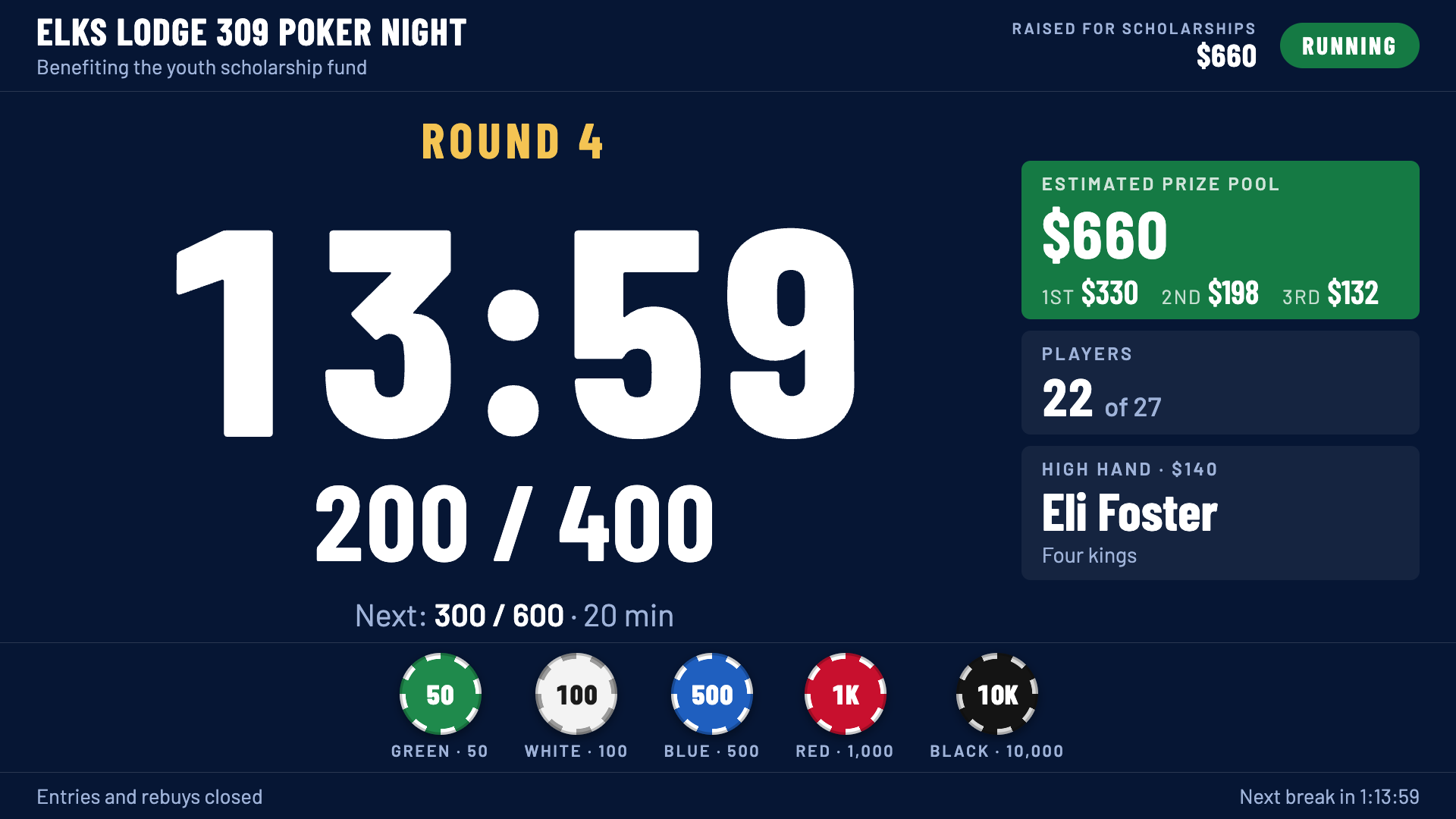
Blind clock with rounds, breaks and color-ups
Set your levels once and the clock runs the night: every round, every break and every color-up, right on schedule.
A recorded announcer
A recorded voice calls every new round, every break and the one-minute warning, so nobody has to shout over the tables.
Random seat draw and table balancing
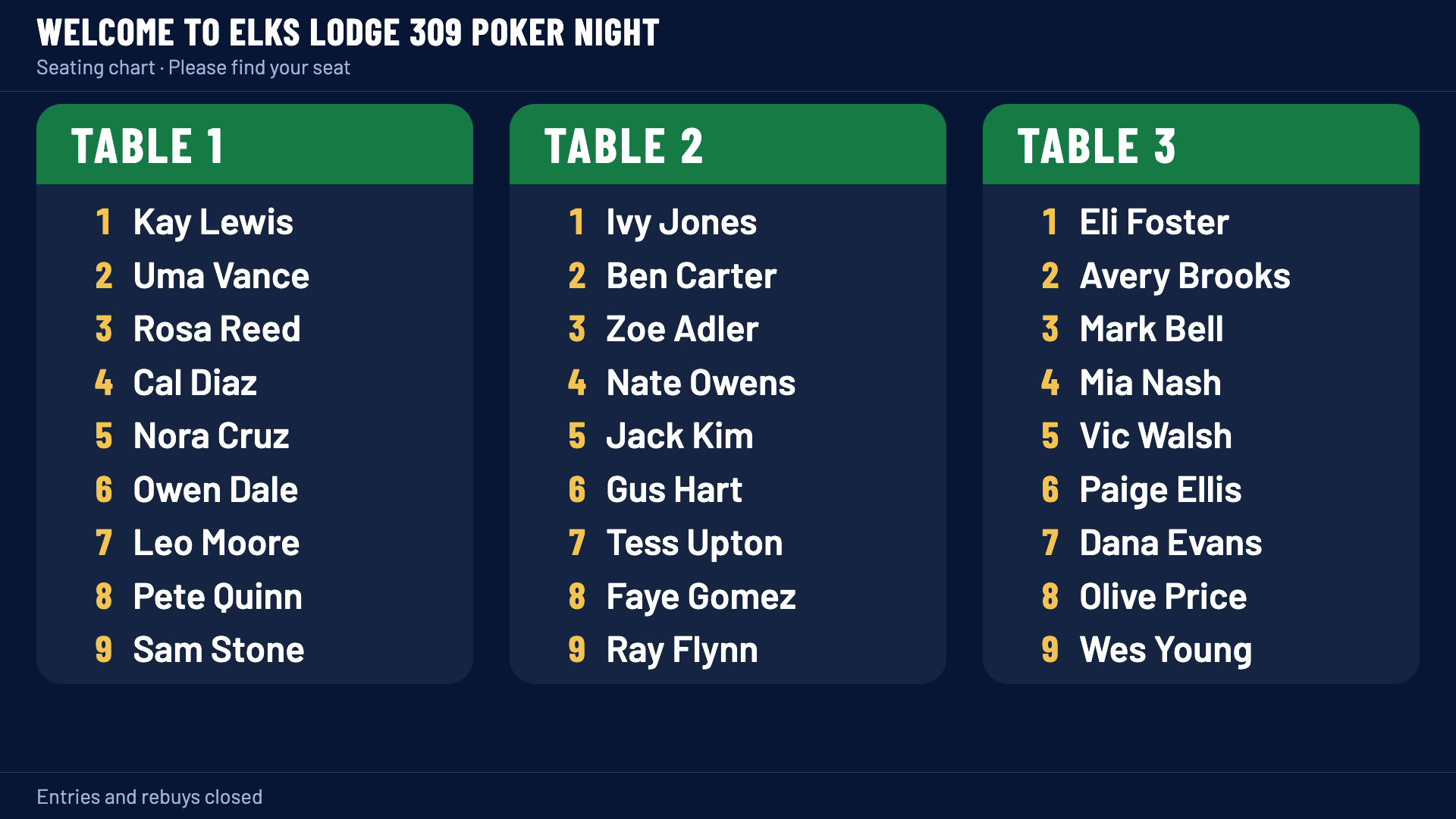
Draw seats at random, add late arrivals, and keep the tables even as players bust out, through every table break down to the final table.
Full screen on any TV
The seating chart and clock go full screen on any TV through a web browser. Nothing to download or install.
Phones in the room see it too
Players can open the same board on their own phones to check the clock or find their seat.
Buy-ins, payouts and standings
Track buy-ins, rebuys, add-ons and the high-hand pot as the night goes, then see the payouts and final standings.
Fundraiser mode
Running a charity night? Fundraiser mode tracks your event costs and shows what you raised.
Two computers, two jobs
One computer drives the TV. The person running the tournament works from their own laptop or phone.
How it works
Buy. Set up. Shuffle up and deal.
Get your year for $20
Check out in a minute. Your receipt email has your setup link, so keep it handy.
Pick your web address and password
Choose your club's web address and the admin password you will run the night with.
Open it on the TV
Open your club's address on the computer hooked to the TV, then run everything from your laptop or phone.
Questions
Good to know
Do I install anything?
No. It runs in Chrome, Edge or Safari.
Do I need internet?
Yes, for the shared TV display and the phones in the room. If the Wi-Fi drops, the TV keeps the clock running.
Can I run more than one tournament?
Yes. Run as many as you want during your year, one at a time.
Is this legal for a charity game?
The software just runs the tournament. Check your state's charitable gaming rules before charging a buy-in. Some states do not allow prizes based on finish at a charity event.
How do I cancel?
From your admin page, choose Manage billing.
Another question? Email team@fusehq.cloud.
$20 a year
Ready for poker night?
One price for your club, as many tournaments as you want all year. Try the demo first if you like, it is free.